Running the Hermes agent on your VPS
read · 6 min
Hermes is a learning agent from Nous Research — open-source (MIT) and free. It does not just run tasks, it learns from them: it builds its own skills on the fly, refines them as it works, and remembers them across sessions in a local memory store. Host it on a VPS and that learning loop keeps running 24/7, fully under your control.
Steps
Install Hermes
Hermes is API-based — no GPU required. Run the install script on a clean Ubuntu or Debian VPS.
$ curl -fsSL https://hermes-agent.nousresearch.com/install.sh | bash
$ hermes --version Run the setup wizard
Point Hermes at a model provider — any of 300+ backends (Anthropic, OpenAI, OpenRouter) or a local Ollama endpoint — and add your API key. This step also initialises its persistent memory store.
$ hermes setup Open a messaging gateway
Expose the agent over the channel you use. Telegram, Discord and Slack are reachable from your phone, so the agent is with you wherever you are.
$ hermes gateway Migrate from OpenClaw (optional)
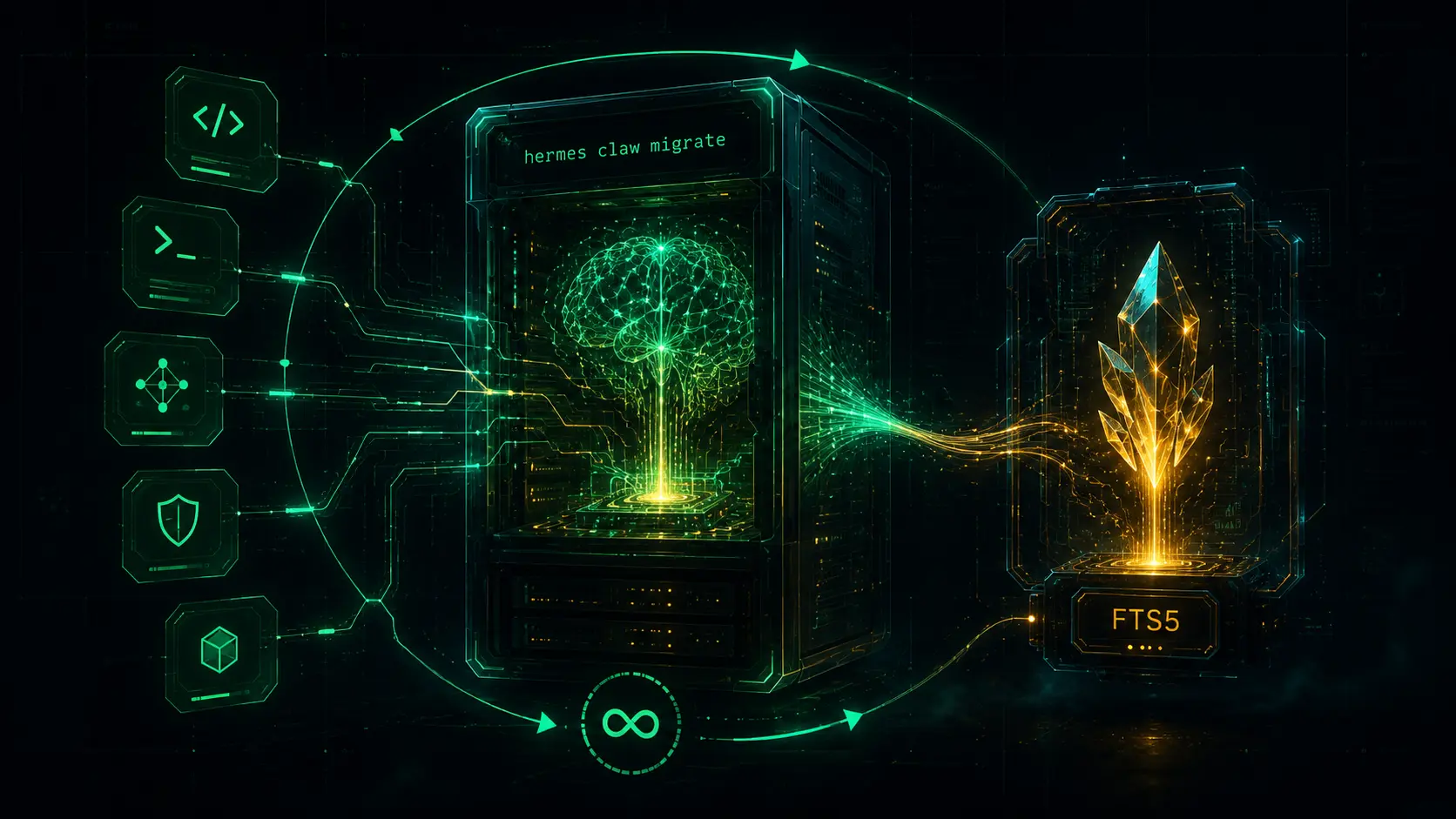
Already running OpenClaw? One command imports its channels and configuration into Hermes — same VPS, a learning brain on top.
$ hermes claw migrate Keep it running 24/7
A tmux session survives a dropped SSH connection, but not a reboot. Install the gateway as a systemd service and it comes back on its own after the server restarts — the learning loop and its memory keep going.
$ hermes gateway install
$ hermes gateway start
$ hermes gateway status
Frequently asked
How is Hermes different from OpenClaw? +
Hermes adds a closed learning loop: instead of you scripting every skill, it creates and refines them itself and keeps a persistent cross-session memory (FTS5). Because "hermes claw migrate" imports an OpenClaw setup, you can move up without starting over.
Do I need a GPU? +
No. Hermes calls a model provider (300+ supported), so inference runs on their side — or on a local Ollama model if you prefer. The VPS needs CPU, RAM and disk for the memory store, not a GPU.
Where does its memory live? +
In a local full-text (FTS5) store on your VPS, so the agent’s learned skills and history never leave your server. A seven-layer security model gates what the agent is allowed to do.
Is it really free? +
The platform is MIT-licensed and free. Your only cost is the model you point it at — a flat VPS fee plus per-token API usage, or nothing extra if you run a local model.
Related guides
Ready to run a learning agent?
Get a VPS with the memory, disk and uptime a persistent learning agent needs.
See VPS plans →